ShopDreamUp AI ArtDreamUp
Deviation Actions


Suggested Deviants


Suggested Collections


You Might Like…



Description
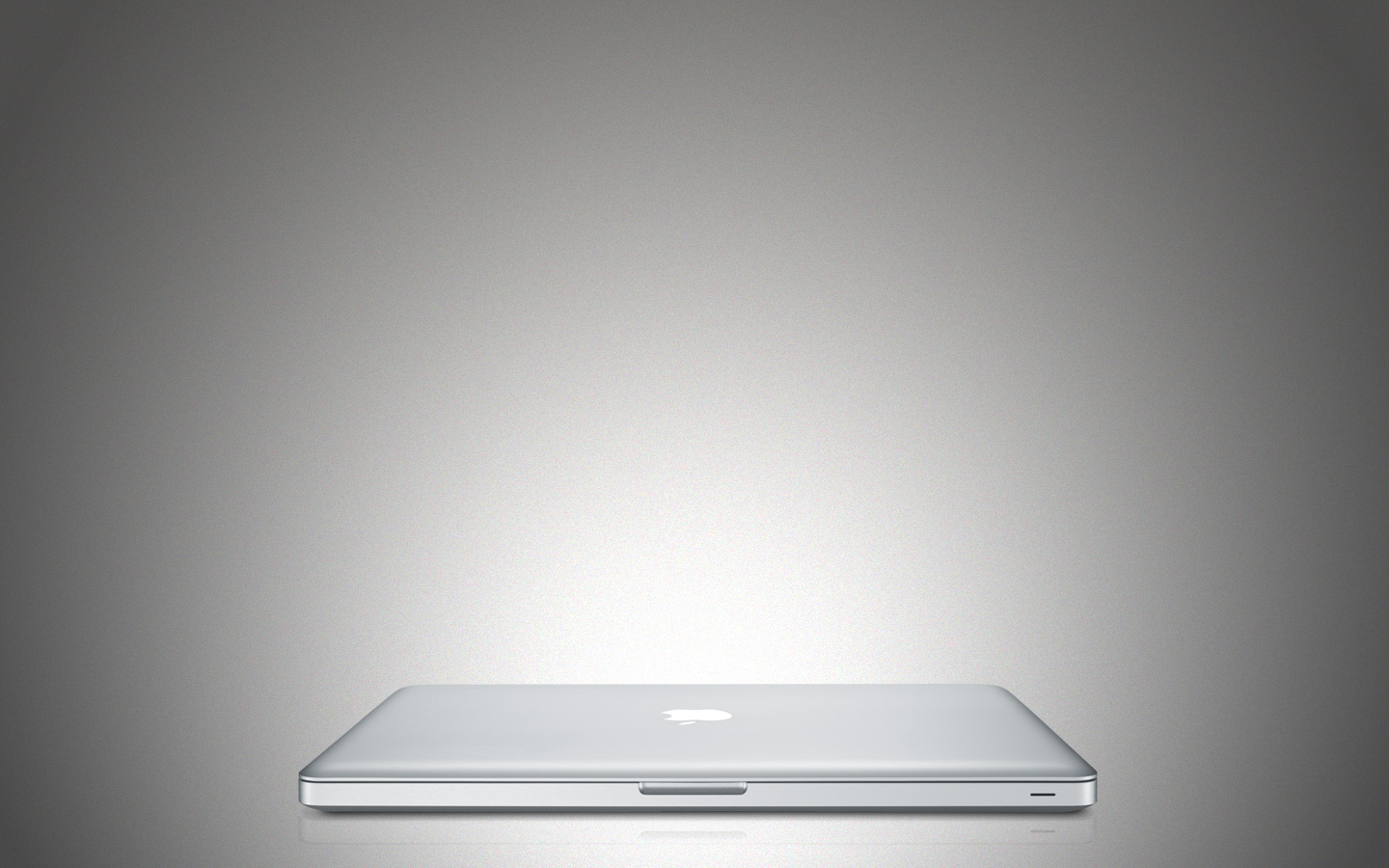
I wanted to replace the default Leopard login wallpaper and found this one, but since I'm on a Macbook Pro it didn't really fit... Hence, enter the totally awesome Macbook Pro anodized aluminium login wall!
Download includes wallpaper without the Macbook Pro on it as well. Enjoy!
UPDATED: Now there's also a wall with the old Macbook Pro in the zip. (Kind of, it's a bit of a mock-up between the new and the old but you'll only look at it for a couple of seconds anyway so I think it works.)
How to use: Go to /System/Library/CoreServices and make a backup of the file named DefaultDesktop.jpg. Then unzip the downloaded archive and drag the new DefaultDesktop.jpg from it to the CoreServices folder and replace the old one. Done!
Download includes wallpaper without the Macbook Pro on it as well. Enjoy!
UPDATED: Now there's also a wall with the old Macbook Pro in the zip. (Kind of, it's a bit of a mock-up between the new and the old but you'll only look at it for a couple of seconds anyway so I think it works.)
How to use: Go to /System/Library/CoreServices and make a backup of the file named DefaultDesktop.jpg. Then unzip the downloaded archive and drag the new DefaultDesktop.jpg from it to the CoreServices folder and replace the old one. Done!
Comments12
Join the community to add your comment. Already a deviant? Log In

Awesome! Thnx for sharing! I really love tis one. Clean and simple, just how I like it!